Maximize convenience with the app designed to help enhance Lincoln ownership and control some of your Lincoln vehicle’s features from the palm of your hand. 164
With Lincoln Mobile Service 166 , a factory trained and certified technician will come to your vehicle for expert servicing with the utmost convenience. Location conditions can vary, so contact your participating retailer for specifics.
How do I connect the vehicle to the Lincoln app 164 ?
Download the app from the App Store® or Google PlayTM.
Accept the Terms and Conditions.
Create a new Lincoln Owner Account or, if you already have one, just log in.
Press the + and Add Vehicle to My Garage.
Next, scan your vehicle’s Vehicle Identification Number (VIN) by selecting the camera in the app and pointing it at the VIN label on the door. You can also just type it in the field.
Once your VIN has been entered you will be directed to the home screen.
Tap the Connect to vehicle tile.
Go to your vehicle and start it. Read and accept the prompt on your center display.
Note: It may take up to two minutes for the connection to complete. If you do not accept the prompt on your center display within 10 start-ups, you will have to complete the vehicle activation process again.
Tap Check Connection Status in the Lincoln app once you accept the in-vehicle prompt.
How much does Lincoln Phone As A Key service cost?
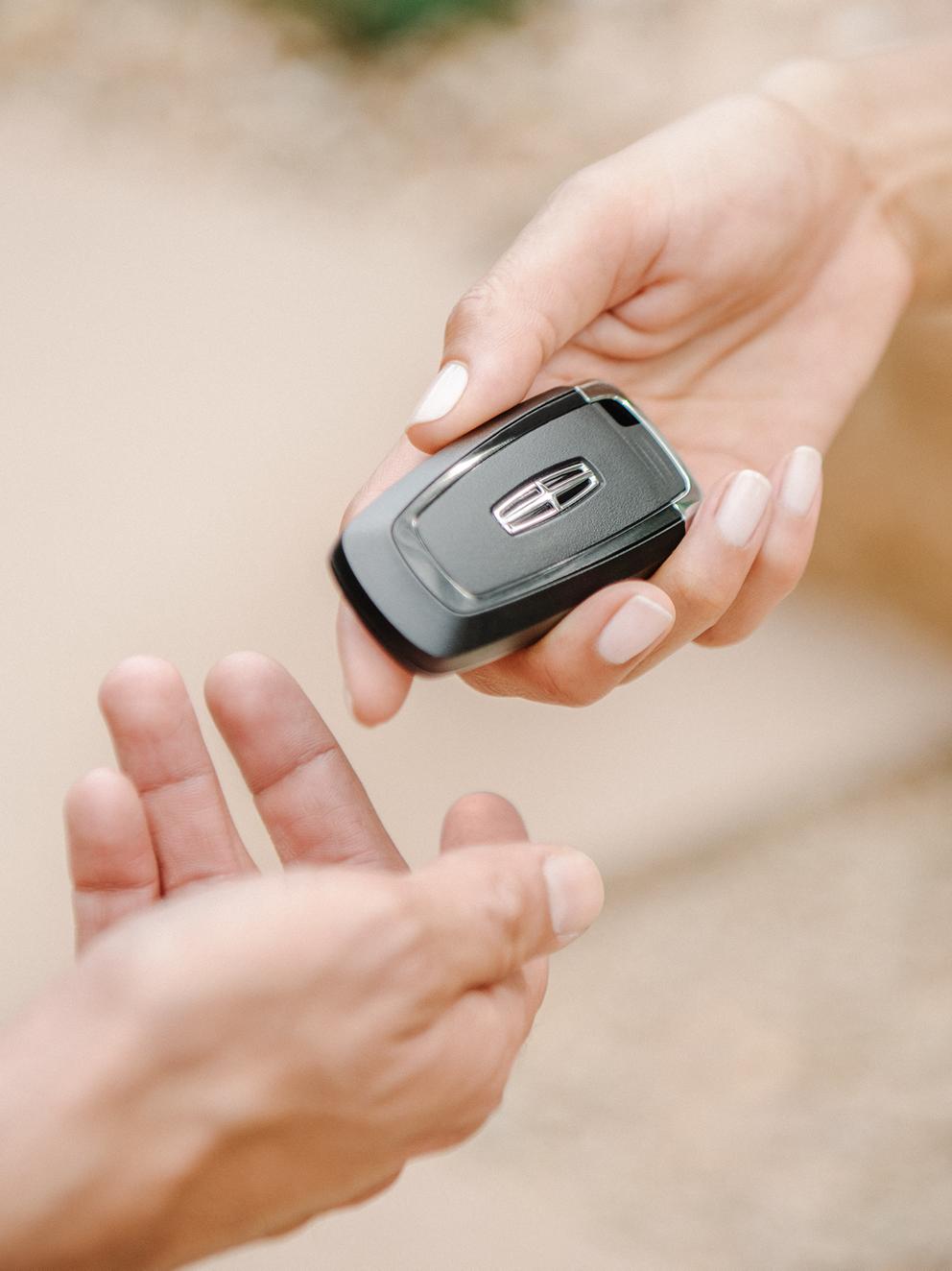
The keyless entry and other Phone As A Key * features are available at no additional cost, if your vehicle is equipped. All that is required is a smartphone enabled with Bluetooth® wireless technology, the Lincoln app 164 installed, and a connected Lincoln vehicle equipped with Phone As A Key.